Dog grooming website builder: what your site needs and how to build it with AI
A practical guide for groomers on price menus, before-and-after galleries, online booking, reminders and local search, with an honest look at when grooming software fits better.
A dog grooming website has a short list of jobs. It should tell an owner what you charge, show that you are good with dogs like theirs, let them book without ringing you mid-groom, remind them before the appointment and bring them back when the coat grows out. It also has to show up when someone nearby searches for a groomer. This guide covers each of those jobs in practical terms, shows how to draft the site with AI, and is honest about when dedicated grooming software such as DaySmart Pet or MoeGo is the better tool.
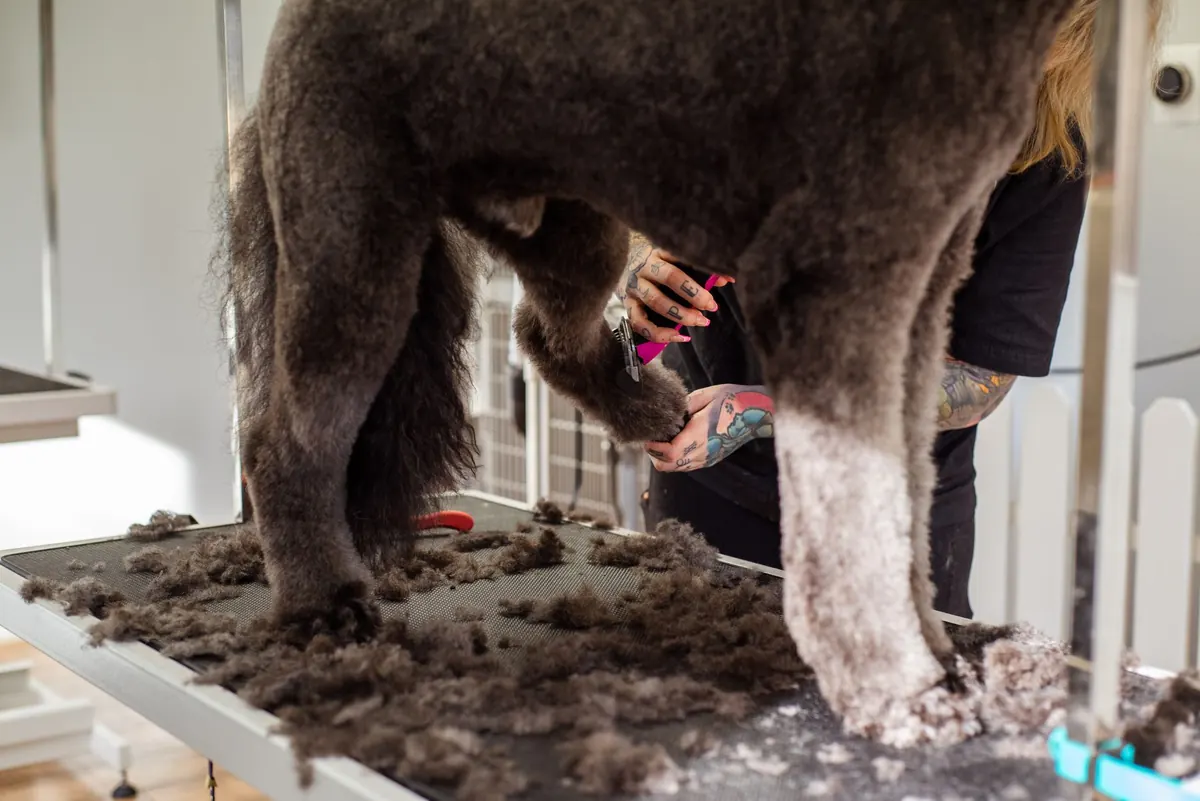
What dog owners want to know before they book
Most people find a groomer on their phone, often through Google Maps, with three questions in mind: how much will it cost, when can you fit us in, and will my dog be happy with you. If your first screen answers those, most of the selling is done.
A grooming site does not need many pages. This set covers most salons and mobile groomers:
- Home: who you are, where you work, a Book button, your best before-and-after photos and a few reviews.
- Services and prices: the full menu, explained.
- Gallery: before-and-after pairs, captioned by breed.
- Book: a booking form that is easy to use on a phone.
- About: the groomers, any qualifications and how you handle nervous dogs.
- FAQ and policies: vaccinations, matted coats, cancellations, no-shows and what happens if a dog is too stressed to finish.
- Contact: address or service area, hours, phone and parking.
A price menu people can understand
Grooming prices rarely come down to one number. They depend on size, coat type, coat condition and how the dog behaves on the table. Owners know this. What puts them off is no numbers at all, or 'call for a quote' on every line. Give starting prices and explain what moves them.
- Group the services: full groom, bath and tidy, puppy introduction, hand stripping and de-shedding, then the small extras such as nail trims, teeth brushing and ear cleaning.
- Say what each includes, for example bath, blow-dry, haircut, nails, ears and hygiene trim.
- Price by size and coat: small, medium, large and giant, with a rough weight guide for each, plus a separate line for curly and doodle-type coats if you groom many of them.
- Give a time estimate. 'Allow two to three hours' saves you a phone call a day.
- List add-ons separately, each with its own price, so the base price stays honest.
- Explain what raises the price: matting, very thick coats, or a dog that needs a second pair of hands. Say plainly that a badly matted coat may need clipping short for the dog's comfort, and that you will discuss it first.
- Keep it as text, not a photo of your price board. Text reads well on phones, is quick to update and can be read by search engines.
Before-and-after galleries that help owners decide
A good gallery shows skill, and it shows the owner of a particular breed that you have handled dogs like theirs. A few habits make the difference:
- Ask permission. A tick box on the booking form saves awkward moments later.
- Shoot both photos the same way: same angle, same spot, same light. A plain wall or a clean grooming table beats a busy background.
- Caption every pair with the breed and service, for example 'Cockapoo, full groom, teddy-bear face'. Owners scan for their breed, and the words help search engines understand what you do.
- Choose quality over quantity. Twenty strong pairs beat two hundred random snaps, and putting the work you want more of near the top (hand-stripped terriers, say) tends to attract more of it.
- Keep files small so the page loads quickly on mobile data, and give each image a short text description for screen readers.
Reuse your best pairs on your Google Business Profile. Google's own guidance lists photos among the things that help people understand what you offer.
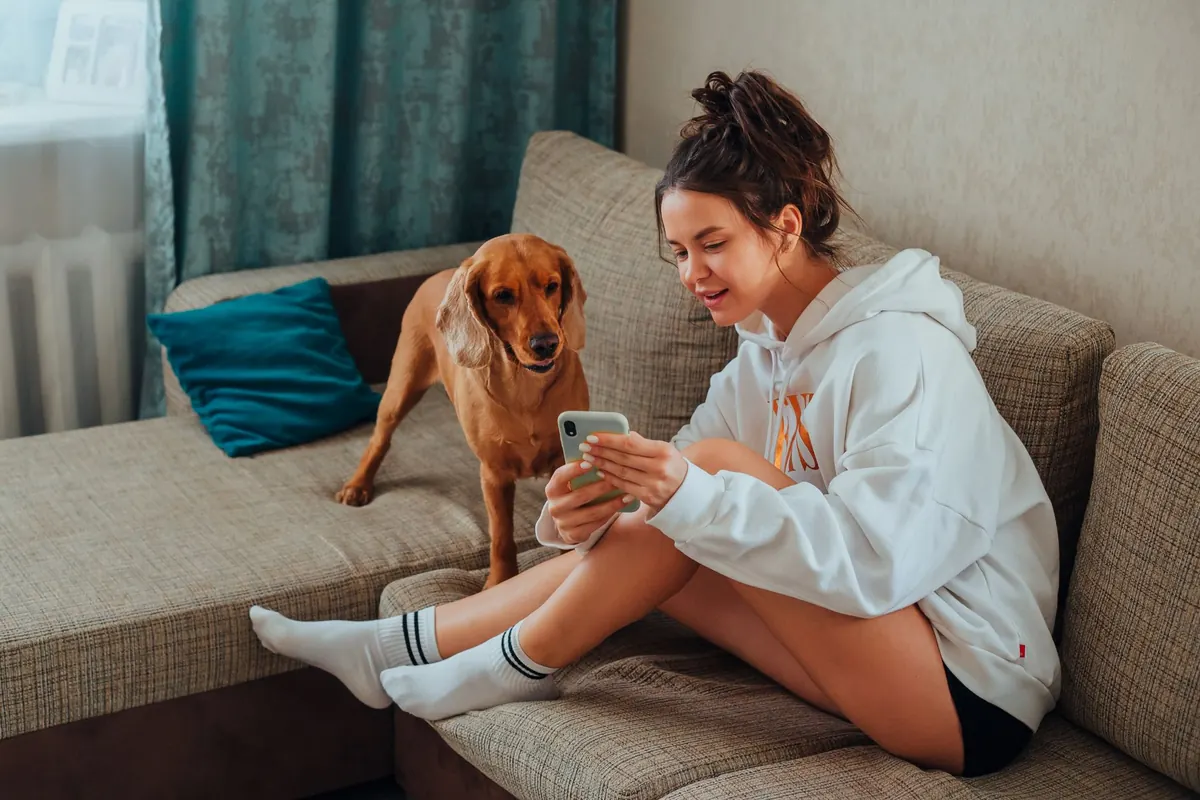
Online booking: ask the right questions up front
Online booking saves you answering the phone with wet hands, and plenty of owners prefer to book in the evening when you are closed. It is also your chance to collect what you need before the dog arrives. Our guide to adding online booking to your website covers the general set-up. For a groomer, ask for:
- Owner name, mobile number and email.
- Dog's name, breed or mix, approximate weight and age.
- The service and any add-ons.
- Coat condition: any matting, and when was the last groom?
- Temperament: first groom, nervous, dislikes dryers, has ever nipped.
- Vaccination status, with proof if your policy or insurer requires it.
- Vet's name and number, for emergencies.
- Photo consent.
Two settings matter more than the tool itself. Tie appointment length to size and service, so a giant breed full groom never lands in a 45-minute slot. And consider letting new clients send a booking request rather than book instantly, so you can check the dog suits your set-up before confirming.
If no-shows hurt, show your policy at the booking step: a deposit, a card held on file, or a fee after a second missed appointment.
Reminders and follow-ups that keep the diary full
Grooming is repeat business. A client who comes back every few weeks for years is worth far more than a one-off visit, so most of your marketing effort belongs in bringing people back. These are the messages that matter:
- Confirmation, straight after booking, with the date, time, address and anything to bring.
- Reminder, a day or two before, repeating your cancellation policy.
- Thank you and review request, the same day, with a direct link to your Google review form.
- Rebook nudge, timed to the coat. You know when a particular dog is due better than any software, so set the interval per service where you can.
- Lapsed client check-in for anyone who has not booked in a few months. A friendly 'is Bella due a trim?' often works without a discount.
The best follow-up is still the oldest one: book the next appointment at the counter before the owner leaves. Messages fill the gaps for everyone else.
Local search basics for groomers
People want a groomer close to home, so local search is where most new clients come from. The basics are free:
- Claim and complete your Google Business Profile. Google says local results depend mainly on relevance, distance and prominence, and that complete details, accurate hours, photos and reviews all help. It also says you cannot pay for a better local ranking.
- Choose the primary category that best describes you and add services that match your menu.
- Add your booking link. Google lets businesses add an appointment link, so the booking button on Search and Maps opens your booking page directly.
- Mobile groomers: set a service area instead of showing a home address, and list the towns you cover on your website too.
- Use your town in the right places: page titles such as 'Dog grooming in [your town]', the home page heading and the contact page. Write naturally rather than repeating it everywhere.
- Keep your name, address and phone number identical on your website, Business Profile and directories.
- Ask every happy client for a review and reply to all of them, calmly to the occasional bad one. Google notes that more reviews and positive ratings can help local ranking.
- Only build a page per town if you can say something real about it, such as which days the van visits.
How to draft a grooming site with AI
AI is good at the slowest part of a new website: the blank page. You describe the business and the AI drafts pages, layout and copy for you to correct. On WebNewBiz you can start from a description or pick a template and let the AI fill it. A useful description covers your set-up (salon, mobile van or home-based), the towns you serve, your main services, what sets you apart and the tone you want. For example:
'Mobile dog grooming van covering three neighbouring towns. One dog at a time, no cages. Full grooms, bath and tidy, puppy introductions and nail trims for all sizes. Calm, friendly tone. I need a price menu, a before-and-after gallery, a booking page and an FAQ about matting and vaccinations.'
Then do the part the AI cannot. The first draft still needs your real prices, your own photos, your actual policies and your own voice in places. Treat every price and time estimate in it as a placeholder until you have checked it.
After that, you change the site by chatting with AI Copilot instead of dragging boxes around: 'add a section for doodle owners about de-matting charges', 'move the Book button to the top' or 'turn the gallery into a grid of before-and-after pairs'. Starter ($29 a month) adds the Design Studio visual editor and an online store, handy if you already sell shampoos or brushes at the counter.
Adding bookings and automated follow-ups through the CRM
A website takes enquiries. Following them up is where a CRM earns its place, and on WebNewBiz the AI CRM comes with the Growth plan ($79 a month, 3,000 contacts, three team members). For a groomer it covers:
- Enquiries as contacts. Booking requests and contact forms from your site land in the CRM automatically, and store buyers become contacts too.
- Bookings, tasks and invoices, including invoices that chase themselves, which suits mobile groomers who bill regulars.
- Lead scoring. The AI reads and scores leads, so an enquiry about weekly grooms for three dogs stands out from 'how much for nails?'.
- Workflow automations that run on triggers such as a form submission, a scheduled date or a birthday. A new booking request could start your new-client steps; a scheduled date could prompt a rebook reminder.
Pro ($149 a month) adds email campaigns and social media posting for seasonal pushes such as spring de-shedding, the kind of marketing automation most groomers never get round to by hand. Ultimate ($199) adds a phone system with its own number, two-way SMS from that number and an AI chatbot.
Be clear on the limits. Two-way texting comes only with Ultimate, and it is built for conversations, not high-volume SMS reminders to hundreds of clients a week. The CRM stores each owner as a contact, not a structured profile for each dog. If text reminders and per-dog records are the centre of your day, read the next section first.
Where grooming software is the better choice
Dedicated grooming software is built around the dog, not just the owner. That is its real advantage over any general website builder, WebNewBiz included.
DaySmart Pet keeps a record for each pet with breed, weight, vet details, medical conditions, grooming notes (difficulty, coat length, colour and texture) and vaccinations with expiry dates and documents. If a required vaccine is out of date, the appointment book shows an alert. At the time of writing (October 2026) its Basic plan is listed at $29 a month for one user with its own payment processing ($39 without), rising to $199 for Premium, with a website builder as a $15 a month add-on.
MoeGo gives each pet a profile with breed, age, weight, behaviour, vet details and notes, plus a vaccine tab that tracks expiry dates and feeds into online booking. Salon plans are $79 a month (Basic), $149 per location (Growth, which adds Reserve with Google) and $239 per location (Ultimate). Mobile plans start at $49, with route optimisation from the $99 per van Growth plan. Every plan includes online booking, automated reminders and two-way messaging.
| Feature | DaySmart Pet | MoeGo | WebNewBiz |
|---|---|---|---|
| Main job | Grooming diary, pet records, payments | Grooming diary, pet records, payments | Website, online store and CRM |
| Per-pet profiles | Yes, with grooming notes | Yes, with behaviour and vet details | No, owners are CRM contacts |
| Vaccine expiry tracking | Yes, with appointment book alerts | Yes, linked to online booking | No |
| Automated reminders | Included | Included, with two-way messaging | Workflow automations from Growth; two-way SMS on Ultimate only |
| Website | Add-on, $15 a month | Online booking page (no website builder on its price list) | AI-drafted full website on every plan |
| Starting price | $29 a month | $49 (mobile) or $79 (salon) a month | $9 site only, $79 with CRM; $1 first month |
WebNewBiz has none of these per-dog records and no route planning for vans, and as a young platform its app ecosystem is far smaller. If several groomers need each dog's history at the table, run the diary in grooming software. Then either use the software's own site add-on, or keep a fuller website for your menu, gallery and local search and point its Book button at the software's booking page.
Which setup suits your grooming business
- New solo groomer: start with a clear website (menu, gallery, booking requests, policies) and a complete Business Profile. WebNewBiz Lite ($9) covers the site alone; Growth ($79) adds the CRM for bookings and follow-ups. Wix and Squarespace are sound choices too, with bigger template and app libraries: at the time of writing Wix Core is $29 a month and Squarespace Basic $19 (with a 2% fee on store sales), both billed annually.
- Busy salon with staff: grooming software first, for pet records, vaccine checks and reminders. Add a separate website only if the software's own add-on feels too limited.
- Mobile groomer: MoeGo's route optimisation is something no general builder offers. A website still earns its keep for local search across the towns you cover.
- Groomer who also sells products or runs puppy classes: a website with an online store and CRM makes more sense, and a simple diary can live inside the CRM.
If you are still comparing general builders, our round-up of the best AI website builders covers the main options, and the guide to salon and spa websites deals with a very similar appointment-led business.
Quick answers
What should a dog grooming website include?
A service and price menu by size and coat, a before-and-after gallery captioned by breed, online booking or booking requests, clear policies on vaccinations, matting and cancellations, your area and hours, and reviews.
Should groomers put prices on their website?
Yes. Show starting prices by size and coat, list add-ons separately and explain what raises the price, such as matting or a dog that needs extra handling. Owners prefer a starting price to no number at all.
Do I need a website if I use MoeGo or DaySmart Pet?
Their booking pages handle appointments, but a website gives you room for your menu, gallery, policies and local search. DaySmart Pet sells a website builder add-on for $15 a month; otherwise point your own site's Book button at the software's booking page.
Can an AI website builder make a dog grooming website?
Yes. You describe the business and the AI drafts the pages, layout and copy. You still need to add your real prices, photos and policies before publishing.
Does WebNewBiz have pet profiles or vaccine tracking?
No. Its CRM, from the Growth plan at $79 a month, stores owners as contacts with bookings, tasks and invoices. If you need per-dog records and vaccine alerts, grooming software such as DaySmart Pet or MoeGo is the better fit.
See a first draft for your own grooming business
If you are curious what AI makes of your business, the free AI Website Preview designs a homepage from one sentence. When you are ready for the full site, the WebNewBiz AI website builder drafts every page for you to edit by chat. You can start for $1 for the first month and cancel any time. And if grooming software fits your salon better, that is a perfectly good answer too.