Website builder for a cleaning business: what your site needs to win work
What a domestic or commercial cleaning website needs to turn visits into booked jobs, and how Wix, Squarespace, Hostinger, Durable, GoDaddy and WebNewBiz compare.
A cleaning website has one job. Someone has just searched for a cleaner, and the site needs to turn that visit into a booked clean or a quote request before they go back and try the next result. Most builders can make a tidy-looking page. Fewer handle the parts that bring in work for cleaners: a page for each service and area, a quote form people actually finish, proof of your work, booking with a deposit for one-off jobs, and a reliable way to follow up. This guide covers what to build, how the common builders compare, and where each one is the better choice.
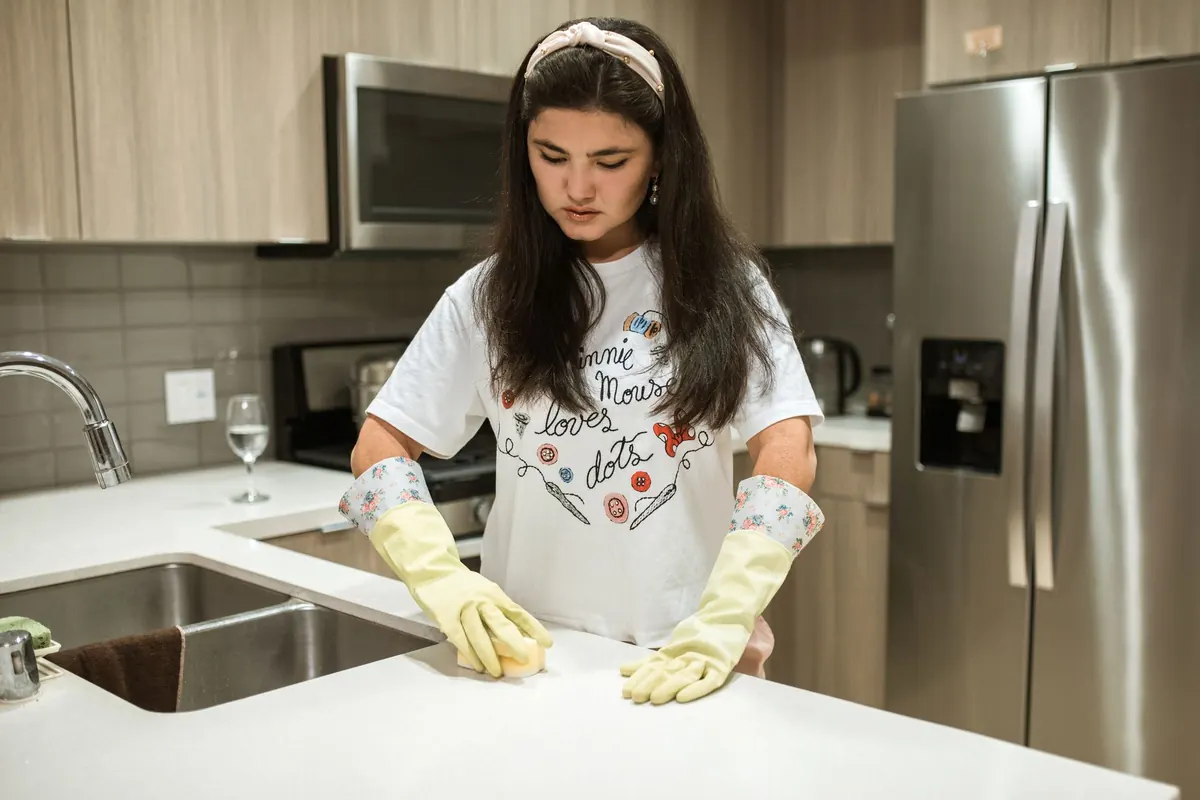
What a cleaning website has to do
People choosing a cleaner decide quickly. In the first few seconds they want three answers: do you cover my area, roughly what will it cost, and can I trust you inside my home or office. If any of those is hard to find, they leave.
Domestic and commercial cleaning sell differently, so be clear which you are chasing:
- Domestic cleaning runs on trust and convenience. Buyers compare a few local cleaners, read reviews and want a price or a quick booking. A one-off deep clean or end-of-tenancy (move-out) clean often becomes a regular fortnightly customer if you follow up.
- Commercial cleaning (offices, shops, clinics, gyms, holiday lets) runs on reliability. Buyers look for insurance, the sectors you serve, how you handle keys and alarm codes, and an easy way to request a site visit. Almost nobody books a contract online. They ask for a quote.
So your builder has to handle a quote form well, show photos properly on a phone, take bookings and payments for one-off jobs, and send enquiries somewhere you will actually see them.
The pages that bring in local work
Google ranks pages, not whole websites. A single homepage listing every service struggles against competitors who have a clear page for each thing people search for. A sensible structure:
- Home: what you clean, where, a starting price or quote button, your best review and a phone number, all visible on a phone without scrolling.
- One page per service: regular house cleaning, deep cleaning, end-of-tenancy, after-builders, carpets and upholstery, office cleaning, holiday let changeovers. Say what is included, what is not, how long it usually takes and how it is priced.
- Service area pages: one for each main town or district you really cover, with local detail: neighbourhoods, typical property types, parking or access notes, a review and photos from jobs there.
- Reviews and about: who you are, how you vet and train staff, your insurance and the products you use.
- Quote or contact page: the full quote form, phone, email and hours.
A warning on area pages: Google's spam policies count near-identical pages made for different towns as doorway pages when they all funnel visitors to the same place. Twenty copies of the same text with the town name swapped will not help and can hurt. Write fewer area pages with real substance.
Your Google Business Profile matters as much as the site. If you visit customers rather than run a shopfront, Google asks you to set up as a service-area business, hide your address and list the areas you serve. You can add up to 20 areas, and Google suggests keeping the overall area within about 2 hours' drive of your base. Keep those areas consistent with your area pages.
Prices or a quote form above the fold
A lot of cleaning enquiries never happen because the visitor could not work out the price and did not want to ring to ask. You have two honest options, and most cleaners should use both:
- Show starting prices for standard domestic work: an hourly rate for regular cleans, a "from" price for deep cleans by number of bedrooms, a fixed price for an oven clean. Say what changes the price (condition, pets, extra rooms, supplies).
- Put a short quote form near the top of the page for everything else, especially commercial work and move-out cleans, where condition varies a lot.
A quote form people finish is short. These seven fields cover most domestic jobs:
- Postcode or ZIP code, first, so you can turn away out-of-area enquiries politely
- Type of clean (regular, deep, move-out, after builders, commercial)
- Property size (bedrooms and bathrooms, or floor area for commercial)
- How often (one-off, weekly, fortnightly, monthly)
- Preferred date or days
- Optional photos
- Name, phone and email
For commercial enquiries, add the type of premises and the best time for a site visit. Anything else can wait for the phone call.
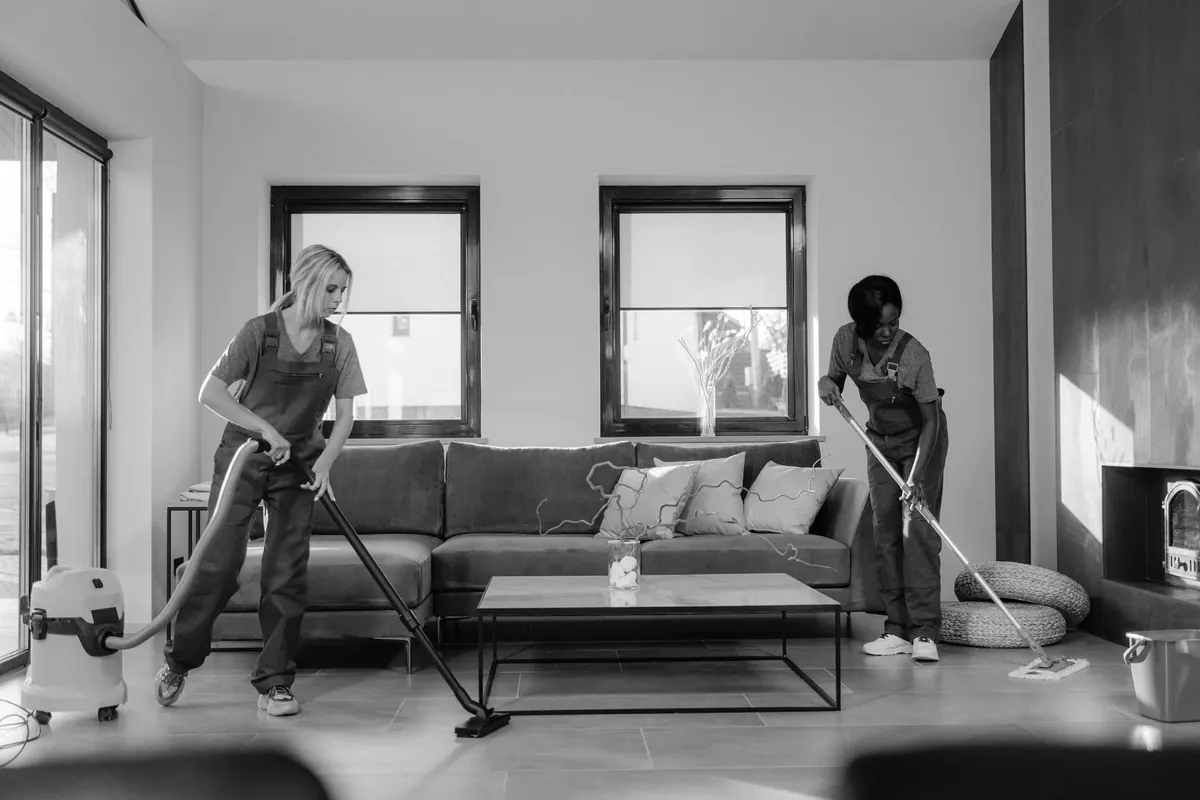
Before-and-after photos, reviews and trust
Cleaning is one of the few trades where a photo proves the work instantly. Whenever the customer agrees, take before-and-after shots from the same angle and in the same light, and keep house numbers, family photos and post out of the frame. Ovens, grout, carpets and move-out kitchens make the strongest pairs.
Stock photos of models in spotless kitchens do the opposite. Visitors recognise them and assume you have nothing real to show. A phone and good daylight are enough.
Put the trust signals next to the quote form, not on an About page nobody opens:
- Three or four short reviews with first names and areas, plus a link to your Google reviews
- Your insurance cover
- How cleaners are vetted, and whether customers get the same cleaner each visit
- Your key and alarm code policy
- What happens if they are not happy, for example a free re-clean within 24 hours
Booking and deposits for one-off jobs
Regular customers usually agree a slot once and keep it, so a good first enquiry matters more for them than a booking calendar. One-off jobs are different. Deep cleans, move-out cleans and after-builders cleans take most of a day, and they are the jobs most likely to be cancelled late or to end with nobody home to let you in.
That is where online booking with a deposit pays for itself:
- Show only slots you really have free, with buffer time for travel.
- Take a deposit that covers at least your travel and lost time if the job falls through.
- State your cancellation terms in plain words before the customer pays.
- Send a reminder the day before, asking them to confirm access.
Our guide to adding online booking to your website covers time slots, buffers and reminders in more detail.
What happens after someone presses send
Most builder comparisons skip this, but it decides whether the site makes money. Customers often ask two or three cleaners at once and go with whoever replies first. An enquiry left in an inbox you check twice a day is often a lost job.
Ask three questions of any builder:
- Does the enquiry go only to email, or into a contact list where you can see its history?
- Can an automatic reply go out at once, saying when you will call?
- Can follow-ups happen without you remembering them? For example, a message a few weeks after a one-off clean asking whether the customer wants a regular slot.
That last one is where a lot of cleaning revenue hides, because turning a one-off customer into a regular is far cheaper than finding a new one. Our guide to lead follow-up automation has simple sequences you can copy.
How the usual builders compare
These are the builders cleaners see most often in ads and review lists. Competitor prices are US, billed annually, at the time of writing (October 2026).
| Builder | Price | Online booking | Deposits or payment at booking | Where enquiries go |
|---|---|---|---|---|
| Wix | Light $17 (cannot take payments), Core $29 | Wix Bookings, built in | Deposit per service on plans that take payments; balance paid in person | Contact list and inbox; automated follow-up emails |
| Squarespace | Basic $19 (2% store fee) | Acuity Scheduling, a separate subscription from $16 a month | Deposits or full payment through Acuity | Email, a list of form submitters, Google Sheets or Mailchimp |
| Hostinger | Premium $2.99 only on a 48-month prepaid term, renews at $10.99 | Built in, on the plan Hostinger names for booking | Paid appointments; deposits not mentioned | No CRM listed among the builder's features |
| Durable | Launch $22, Grow $41 | Built in, synced to your calendar | Paid bookings | Built-in CRM with automatic replies to leads |
| GoDaddy | Varies by region and term; check the renewal price | Online Appointments | Full or partial payment on the Premium plan | Email and the Conversations inbox |
| WebNewBiz | $1 first month, then Lite $9, Starter $29, Growth $79 (monthly; yearly is cheaper) | Bookings in the AI CRM, Growth and above | Store checkout (Starter and above) or a CRM invoice | AI CRM on Growth and above: leads scored, deals, tasks, automations |
Where each one is the better choice:
- Wix has one of the most complete booking systems among general builders, with per-service deposits built in and a large app market. You need Core ($29) or above to take deposits.
- Squarespace has the most polished designs. Basic plus Acuity Starter comes to about $35 a month on annual billing. It suits you if your brand and photos are the main selling point.
- Hostinger is the cheapest way online if you will prepay four years. The headline price is the Premium plan, so confirm booking is included in the plan you pick before you pay.
- Durable is a strong pick for a solo cleaner on a tight budget: an AI-drafted site, bookings, a simple CRM and automatic lead replies from $22 a month. Reviewers note that design control is more limited than on the bigger builders.
- GoDaddy suits you if your domain is already there and you want simple appointments with a part payment up front.
If you run several crews, none of these replaces cleaning scheduling software such as ZenMaid or Jobber, which are built around team calendars, recurring jobs and apps for cleaners. Many cleaning companies run one of those next to their website. For a wider view, see our comparison of the best AI website builders.
The AI route with WebNewBiz
WebNewBiz starts from a description instead of a blank template. You describe your cleaning business in plain language and the AI drafts the whole site, with pages, layout and copy, ready to edit in the browser. The more specific you are, the better the draft. For example:
"Family-run domestic and end-of-tenancy cleaning company covering [town] and [three nearby areas]. Regular weekly and fortnightly cleans from [your hourly rate], deep cleans priced by bedrooms, oven cleaning. Same cleaner every visit, fully insured, eco products. Quote form at the top, before-and-after gallery, reviews."
Then you change things by chatting with the AI Copilot: "add an after-builders cleaning page", "move the quote form above the gallery", "write a page for [area] using these three reviews". Starter and above also include the Design Studio visual editor. Every plan includes hosting, SSL and mobile optimisation.
What matters most for cleaners is what happens after the form:
- On Growth ($79 a month) and above, website enquiries land in the AI CRM automatically. It reads and scores each lead, keeps deals, tasks and bookings together, and lets you connect your own email.
- Workflow automations run on triggers such as a form submission or a scheduled date. A new enquiry can trigger an instant reply, and a date a few weeks after a one-off clean can trigger a message asking if the customer wants a regular slot.
- For deposits, the online store (Starter and above) takes card, Apple Pay and Google Pay, so you can sell a fixed deep-clean deposit. You can also send a CRM invoice that chases itself until it is paid. Store buyers become CRM contacts too. Test the flow in your first month to make sure it fits how you book jobs.
The honest limits:
- The AI draft is a starting point. It cannot know your prices, the areas you cover or what your work looks like, so you still add your own photos, prices, service areas and reviews.
- There is no crew dispatch, so a company with several teams will still want scheduling software for rotas.
- The CRM starts at Growth ($79). Lite ($9) has no store or CRM, and Starter ($29) adds the store but not the CRM. If you only need booking and a simple contact list, Durable or Wix will cost less.
- Two-way texting from your business number is only on Ultimate ($199), and it is not built for bulk SMS marketing.
- It is a young platform with a much smaller app ecosystem and community than Wix or Squarespace. There is no free plan either: the first month is $1, then the plan price, with no minimum contract.
Checklist before you publish
- Every service has its own page saying what is included and how it is priced.
- Area pages exist only for places you really cover, each with local reviews, photos or detail.
- A price, starting price or quote button shows on a phone without scrolling.
- The quote form has seven fields or fewer and asks for the postcode or ZIP code first.
- You have sent a test enquiry and know exactly where it arrives.
- An automatic reply goes out within minutes, and you have a rule for calling back, such as within two working hours.
- One-off jobs take a deposit, with cancellation terms shown before payment.
- Photos are your own, taken with permission, with nothing identifying in the frame.
- Insurance, vetting and key policy sit next to the quote form.
- Your Google Business Profile areas match your website's area pages.
Quick answers
What is the best website builder for a cleaning business?
It depends on what you need after an enquiry arrives. Durable is the cheapest route to booking plus a simple CRM at $22 a month. Wix has one of the most complete built-in booking systems with deposits. WebNewBiz Growth ($79 a month) adds an AI CRM that scores leads and automates follow-ups. Companies with several crews should add cleaning scheduling software.
Should a cleaning website show prices?
Yes, where you can. Starting prices for regular and deep cleans remove the main reason visitors leave without asking. Use a short quote form for commercial work and jobs where condition varies a lot.
Do cleaners need online booking?
Mainly for one-off jobs such as deep cleans and move-out cleans, where booking with a deposit cuts late cancellations and lockouts. Regular customers usually agree a fixed slot once, so a good quote form matters more for them.
How many service area pages should a cleaning website have?
Only as many as you can fill with genuine local detail such as reviews, photos and access notes. Near-identical pages with the town name swapped count as doorway pages under Google's spam policies and can hurt rankings.
Can I use stock photos on a cleaning website?
Sparingly, if at all. Your own before-and-after photos, taken with the customer's permission, prove your work in a way stock images cannot, and visitors spot stock photos quickly.
See a draft for your own business
If you would like to see what an AI draft looks like first, try the free AI Website Preview: describe your cleaning business in one sentence and it designs a homepage. When you are ready for the full site, the WebNewBiz AI website builder drafts your service pages, area pages and quote form for you to edit by chat. You can start for $1 for the first month and cancel any time if it is not right for you.